How to Fix Broken Row Level Security (RLS) in Power BI (2026 Guide)
Business Intelligence
4 min read Min Read
Fix broken Row Level Security in Power BI with this 2026 guide: stop bi‑directional filter leaks, implement dynamic RLS, and automate security audits with Claribi Console.
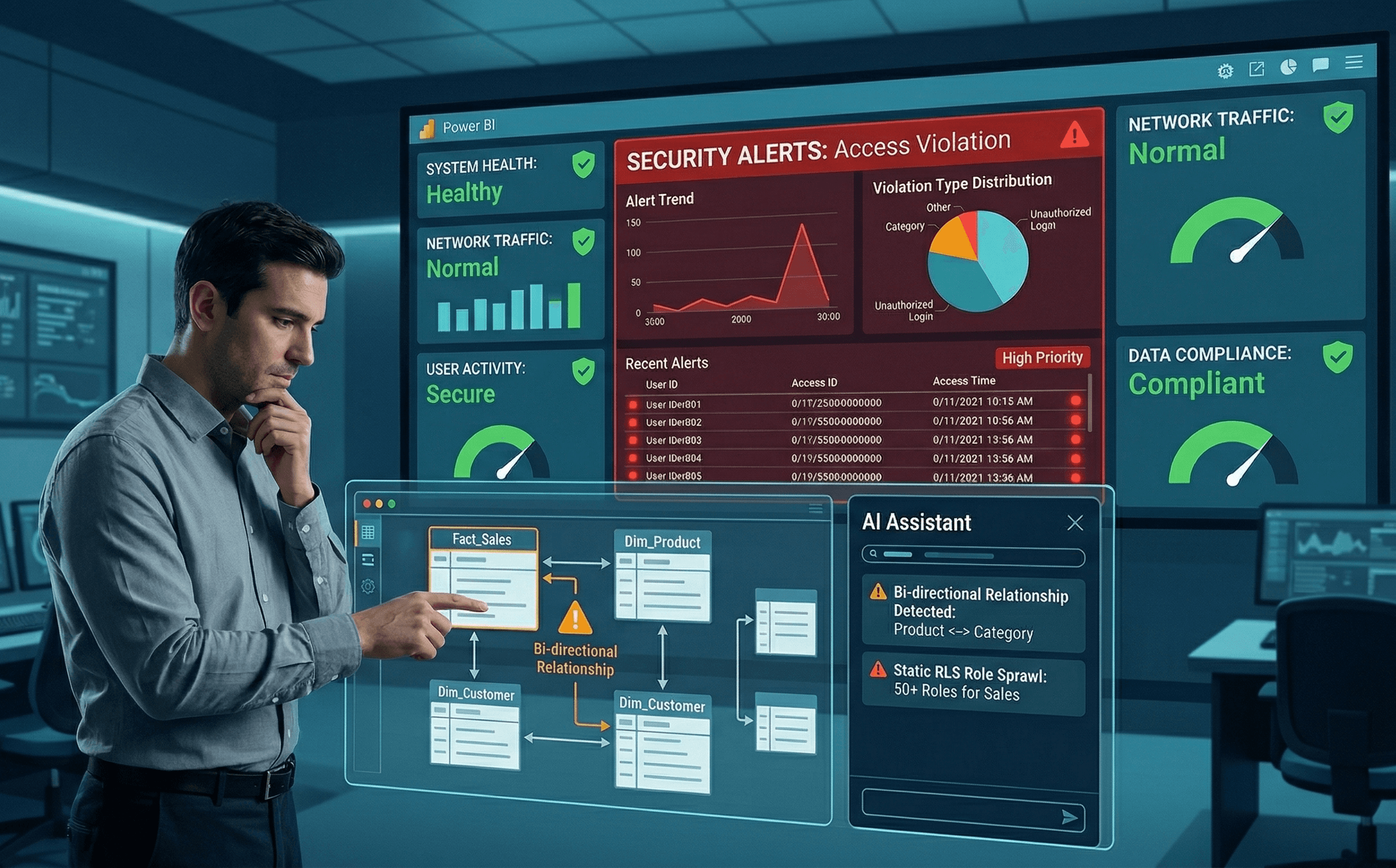
ContactImagine the absolute panic. You get an urgent message from a regional sales manager. They just logged into your new enterprise dashboard, and for some reason, they can see the underlying sales data and profit margins for the entire global company.
If you are currently frantically googling "Power BI RLS not working," "dynamic row level security Power BI," or "RLS bi-directional filter leak", take a deep breath. You are dealing with one of the most common and dangerous architectural mistakes in enterprise BI.
Securing data at the row level is non-negotiable in 2026. However, building and testing these security layers manually leaves a massive margin for human error. Here is exactly why your Row Level Security is leaking data and how you can automate your security audits to prevent a compliance disaster.
The 3 Reasons Your Row Level Security is Failing
When RLS fails, it rarely means the Power BI service is broken. It almost always means your underlying data model has a structural flaw that allows filter context to escape your security constraints.
1. The Bi-Directional Filter Leak This is the number one cause of enterprise data leaks in Power BI. When you apply a security role to a dimension table, that filter is supposed to flow strictly downhill to your fact table.
However, if you have a bi-directional relationship anywhere in your model, the security filter can flow "up" into another table and completely bypass your intended restrictions. The engine gets confused, the filter context bleeds across the Star Schema, and suddenly a local rep can see global numbers. You must enforce single direction, 1 to Many relationships wherever RLS is involved.
2. Relying on Static RLS Instead of Dynamic RLS If you are manually creating 50 different security roles in Power BI Desktop for "Role_East_Coast," "Role_West_Coast," and "Role_Europe," you are building a maintenance nightmare. The moment someone changes territories, your security breaks.
You need to implement Dynamic RLS. This involves creating a hidden security table in your model that maps user email addresses to their specific regions. You then create a single security role using the DAX function USERPRINCIPALNAME(). This forces the engine to dynamically filter the dataset based on who is logged into the workspace.
3. Incomplete "View As" Testing Most developers test their security by clicking "View As" in Power BI Desktop, typing in a single email, seeing the numbers drop, and assuming the job is done. But testing one user does not guarantee that edge cases are covered. If an executive has access to multiple regions, or if a user name is misspelled in your security mapping table, the logic will fail silently in production.
Automate Your Power BI Security Audits
Securing a dataset with millions of rows and complex organizational hierarchies is too important to leave to manual testing and guesswork. Your compliance team needs proof that the data is locked down.
This is where the Claribi Console becomes your automated security architect. Instead of hoping your filters hold up, you can use Claribi to mathematically prove your dataset is secure before you ever hit publish.
Here is how Claribi transforms your RLS workflow:
Automated Filter Leak Detection: Connect your
.pbixmetadata to the Claribi Console. The AI instantly scans your entire data model architecture. It will specifically flag any bi-directional relationships or many to many joins that threaten to bypass your Row Level Security logic.Dynamic RLS DAX Auditing: Writing the DAX for a dynamic security matrix can get incredibly complex. If your RLS measure is evaluating too slowly or failing to capture multiple hierarchy levels, Claribi will highlight the flawed code and provide the optimized, secure DAX snippet to replace it.
Instant Compliance Documentation: When auditors come knocking, handing them a Power BI file is not going to work. Claribi automatically documents your entire security architecture. With one click, it generates a Data Dictionary that explicitly outlines every security role, the exact DAX logic driving it, and the tables affected by the filters.
Metadata Only Security: Just like your data, Claribi is strictly secure. It analyzes your table structures and DAX formulas to audit your RLS, but it never has access to the actual rows of sensitive data.
In a world of strict data privacy laws, a single RLS failure can cost a company millions. You cannot afford to deploy security models based on manual testing.
Ready to lock down your enterprise data? Try Claribi Console for free and run an automated security audit on your workspace today.
Join our newsletter list
Sign up to get the most recent blog articles in your email every week.